Welcome to Greens Technologies Kolathur
Transform Your Career in Just 3 Months!
Join the high-demand field of Data Analytics and secure your future with:
- Guaranteed Job Placement
- Zero Coding Required
- Industry-Ready in 90 Days
* Next batch starting soon - Call Us Now!
 >
>
Why Students Choose Us
Your Success Is Guaranteed
Join thousands of successful professionals who transformed their careers with us.

Zero Technical Background
Start your data analytics journey with absolutely no coding experience - we teach you everything!

Guaranteed Placement
Join 1000+ successful alumni working in top companies with packages up to 8 LPA

Learn At Your Pace
Flexible schedule with lifetime access to course materials and mentorship support

Industry-Ready Skills
Master in-demand tools like Python, SQL, Tableau & Power BI with real-world projects
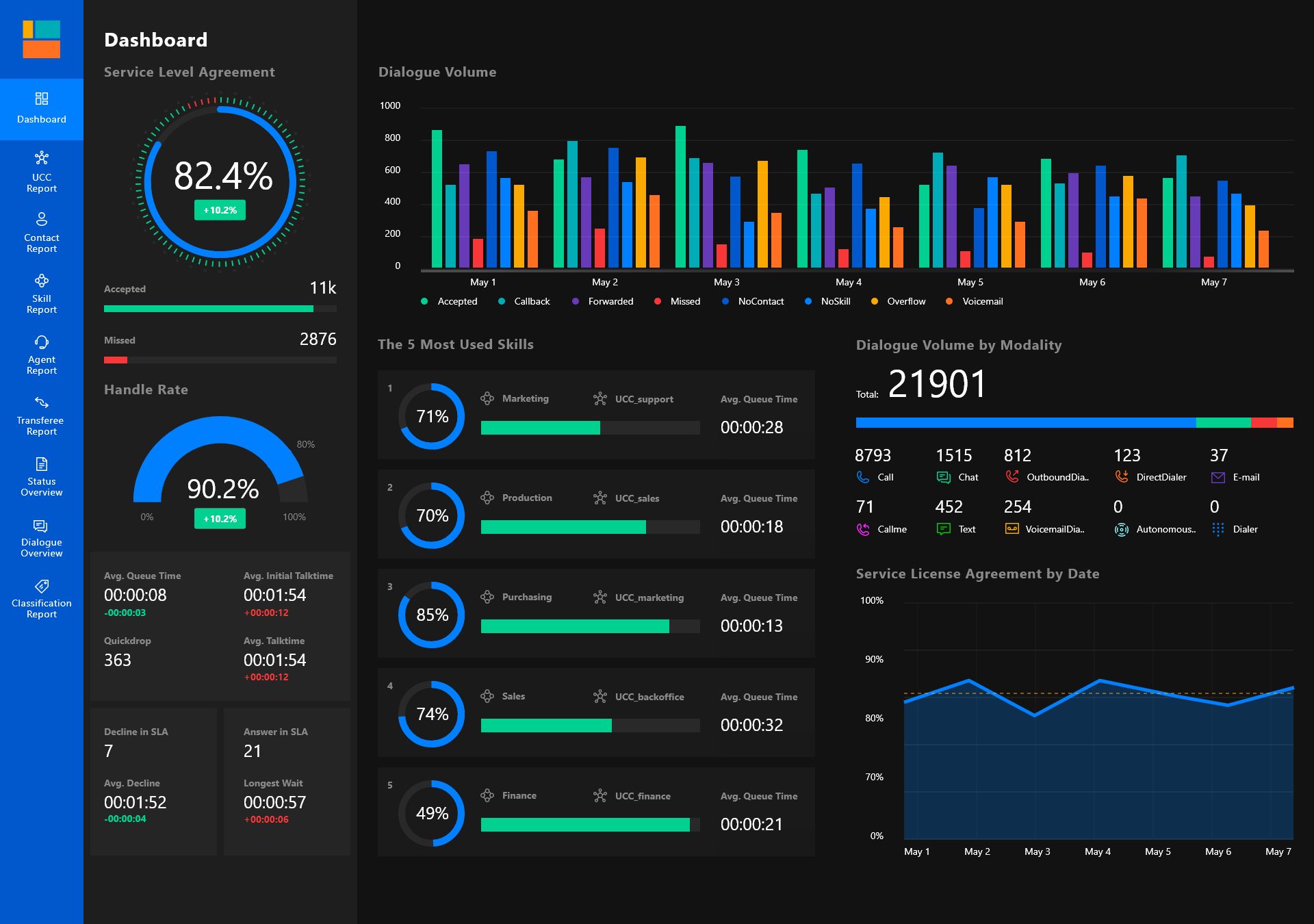
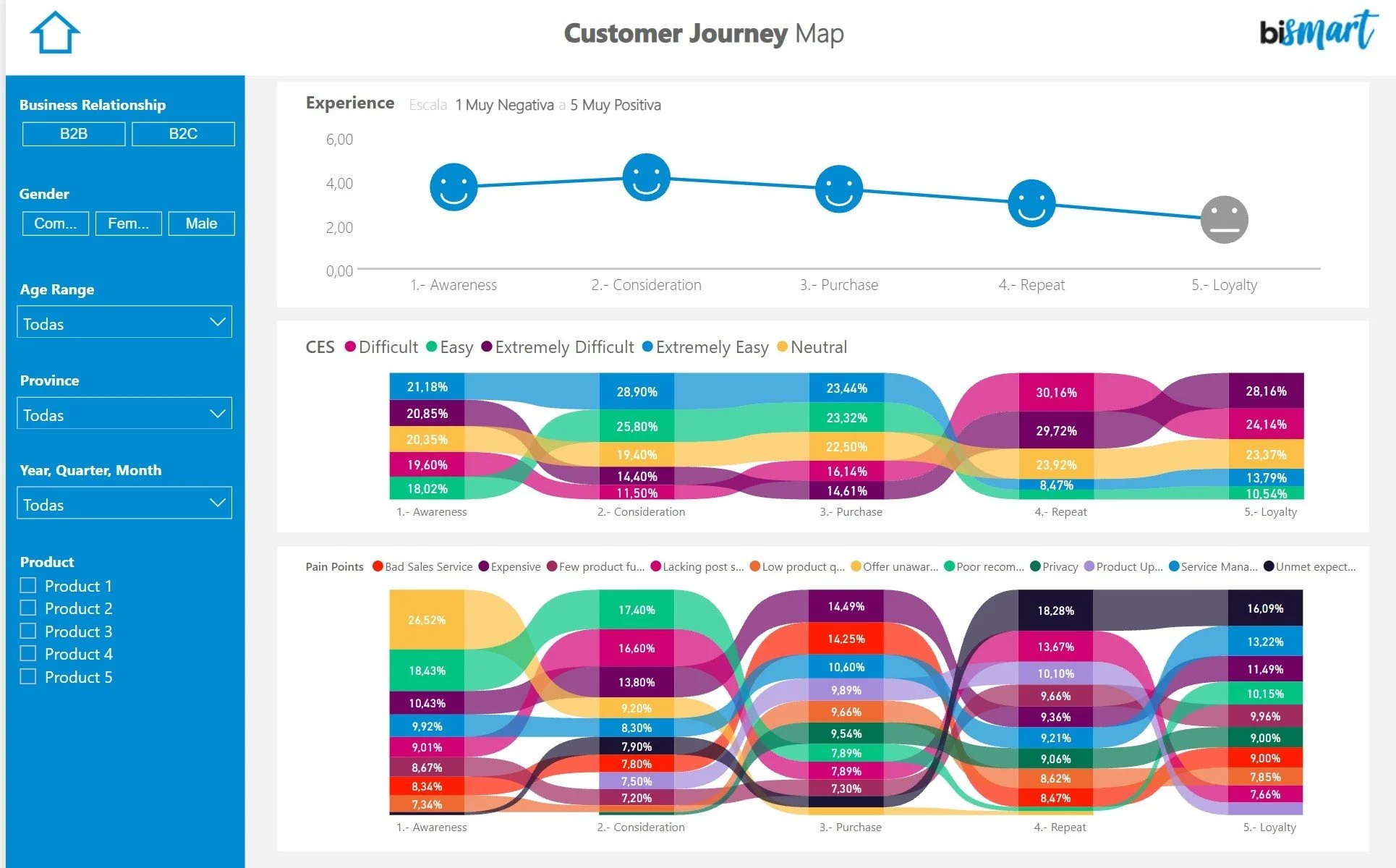
Power BI Syllabus
Foundation
- Introduction
- Installation
- Data Types
- Data Modeling
DAX Functions
- Aggregation Functions
- Date and Time Functions
- Logical Functions
- Filter Functions
- Statistical Functions
- Text Functions
- Information Functions
- Time Intelligence Functions
Power Query Editor
- Data Source Connectivity
- Data Transformation
- Error Handling
- Data Loading
Advanced Features
- Column Tracking
- Split Column & Choose Column
- Join, Extract, Format
- Append Query & Merge Query
- Power BI Visualization
- Dashboards & Formatting
- Power BI Service
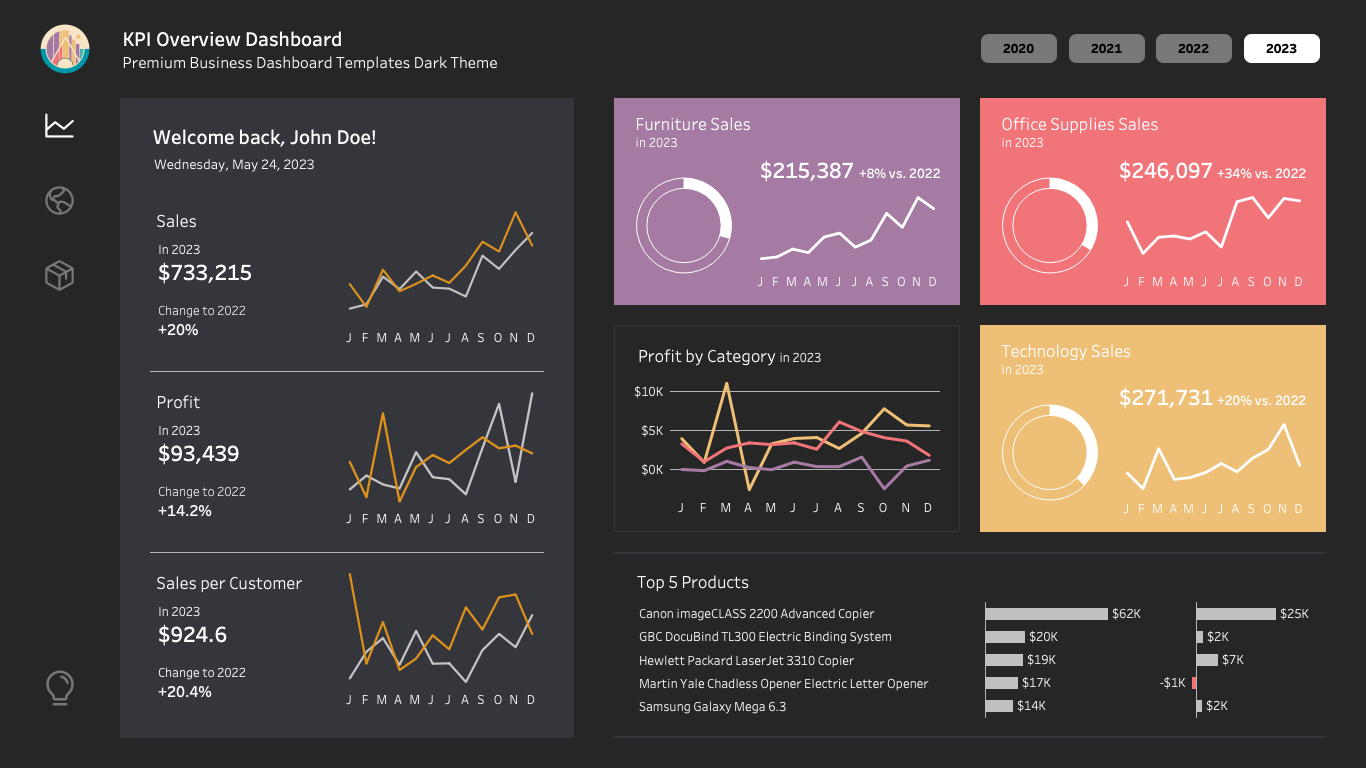
Tableau Syllabus
Introduction to Tableau
- Tableau Interface Demo, Products, Desktop
- Data Types in Tableau
- Types of Connections
- Dimensions & Measures
- Discrete & Continuous
- Tableau File Extensions
Core Tableau Features
- Groups, Combine, Set, Parameter, Combined Set, Hierarchy
- Filters: Data Source, Extract, Dimension, Measure, Cascading, Context
- Functions: Number, Aggregate, Logical, String, Table Calculations, Window, Date, Quick Table Calculation, Null, Analytics
- LOD (Level of Detail), Bins
Visualization Techniques
- Types of Axis, Charts
- Maps Filters
- Dashboards: Basic Dashboard Preparation, Advanced Dashboard Preparation
- Dashboard Actions
Advanced Features and Tableau Server
- Data Modelling: Relationship, Data Blending
- Joining: Cross Database Join
- Tableau Server/Online
- Embedded & Published Data Source
- Different Site Roles & User Controls
- RLS (Row Level Security), Alert, Subscription, Metrics
- Empty Extract
- Aggregate/Group Functions: COUNT(), SUM(), AVG(), MIN(), MAX(), GROUP BY, HAVING
SQL Syllabus
SQL Basics
- Introduction
- Installation
- Creating Database and Tables
- Data Types
- Operators
SQL Functions
- Case Manipulation Functions (Upper(), Lower(), INITCAP())
- Character Manipulation Functions (Substring(), Concat(), Len(), Trim(), Replace())
- Functions (Date, Null, Number, General)
- Aggregate/Group Functions (Count(), Sum(), AVG(), MIN(), MAX(), Group By, Having)
Advanced SQL Features
- Analytical Functions
- Joins (INNER, LEFT, RIGHT, FULL, CROSS)
- Constraints (NOT NULL, PRIMARY, UNIQUE, FOREIGN, DEFAULT, INDEX, CHECK)
- Set Operators (Union, Union All, Minus, Intersect)
SQL Views and Queries
- View and Materialized View
- Sub-Queries
- Pseudo Columns (ROWID, ROWNUM, LEVEL, CONNECT_BY_ISLEAF, SYS_GUID())
- Commands (Data Definition, Data Manipulation, Transaction Control, Data Query Language Commands)
Python Syllabus
Python Basics
- Introduction
- Installation (Python, Anaconda, and Jupyter Notebook)
- Compilation Vs Interpretation
- First Basic Program ('Hello World')
- Variables
- Data Types
- Operators
Control Structures and Functions
- Functions and Methods
- Conditional Statements (if, if-else, elif)
- Loops (while, for)
- Data Structures (List, Tuple, Set, Dictionary)
- Iteration Tools (Map, Filter)
Advanced Python Concepts
- Regular Expressions
- Packages, Modules, and PIP
- Exceptions
- Anonymous Function (Lambda)
- Generators and Closures
- Aggregate/Group Functions (Count(), Sum(), AVG(), MIN(), MAX(), Group By, Having)
Object-Oriented Programming (OOP) in Python
- Classes and Objects
- Constructor
- Attributes and Methods
- Inheritance
- Encapsulation
- Polymorphism
- Python Libraries and Tools: NumPy, Pandas, Matplotlib

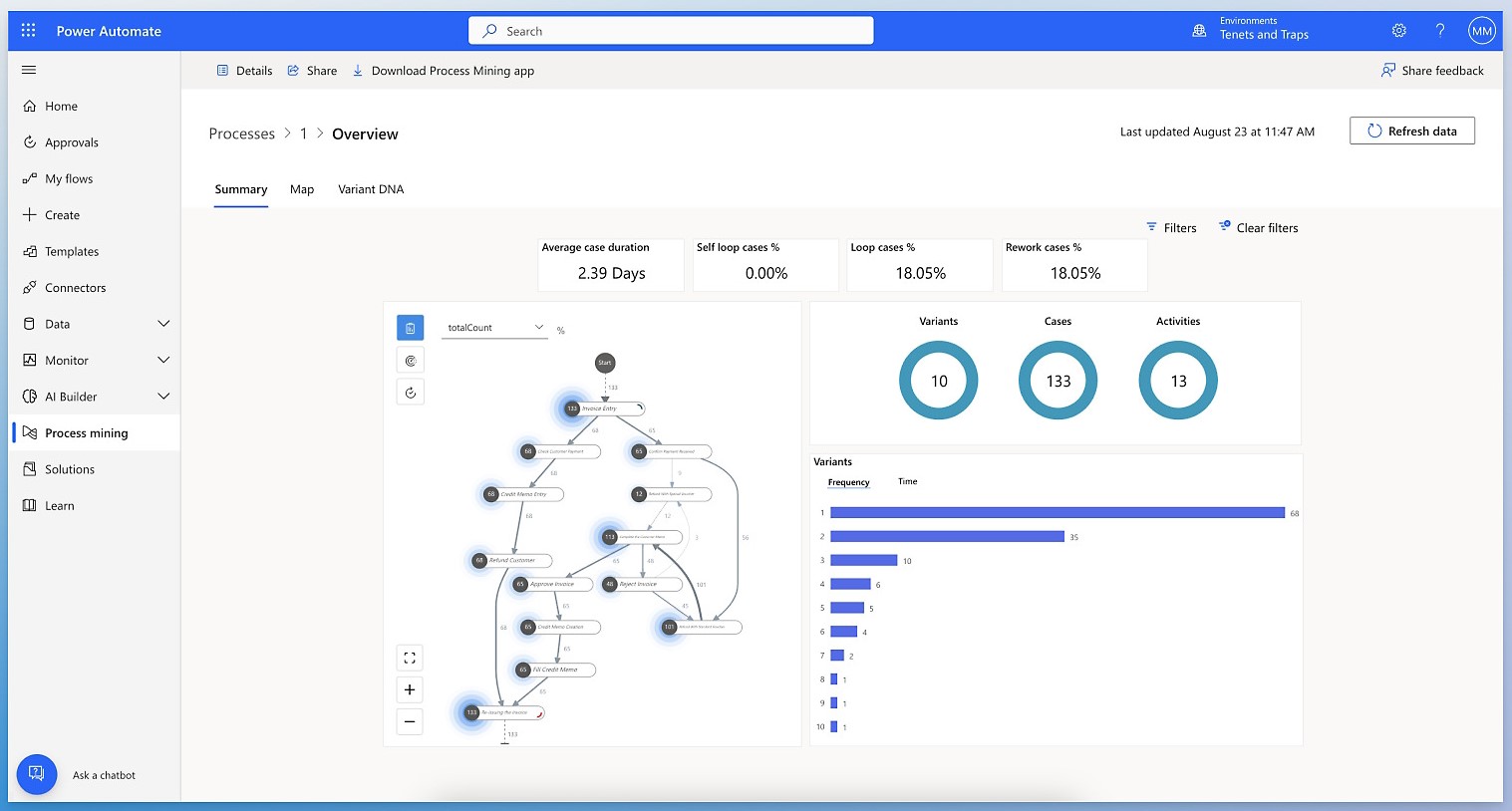
Power Automate Syllabus
Email Automation
- Creating Automatic Email to Gmail Account along with an attachment Stored in OneDrive
- Creating Automatic New Group using Forms
- Creating Automatic Mails for Birthday and Wedding Wishes
Notifications and Alerts
- Creating Power BI Alert Notification to Microsoft Teams, Outlook
- Refreshing Dataset
- Support Team in Case of Some Issues or Errors
Aggregate/Group Functions
- Count()
- Sum()
- AVG()
- MIN()
- MAX()
- Group By
- Having
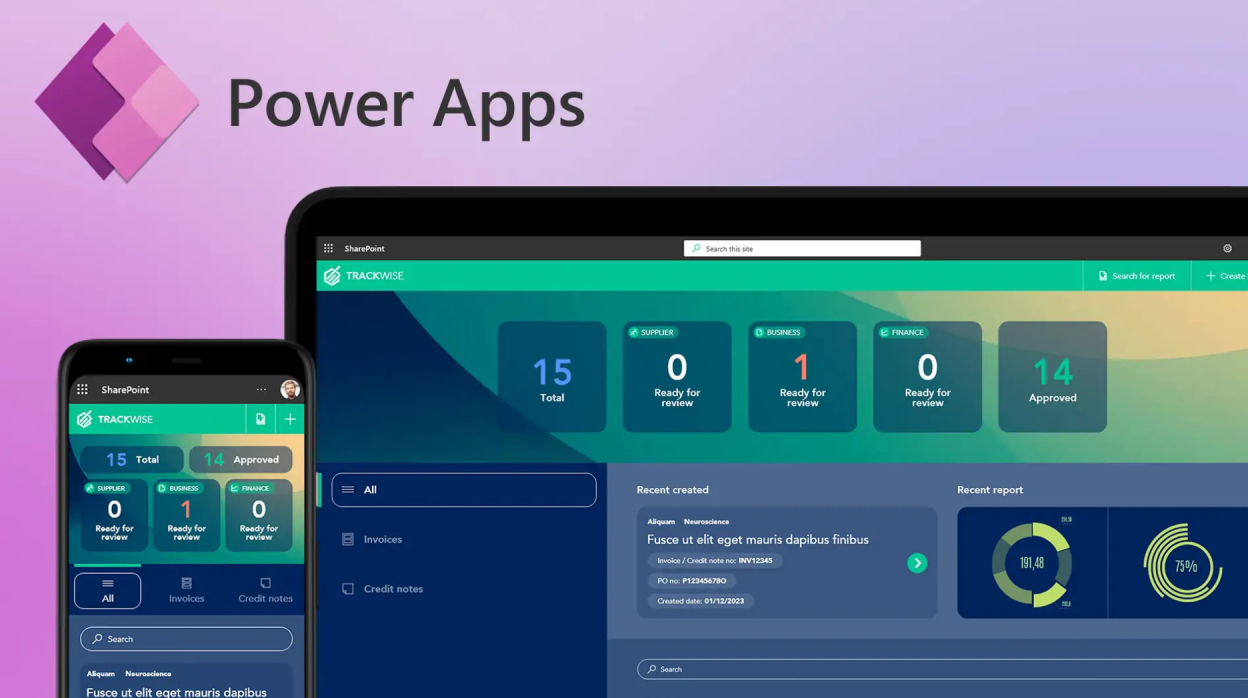
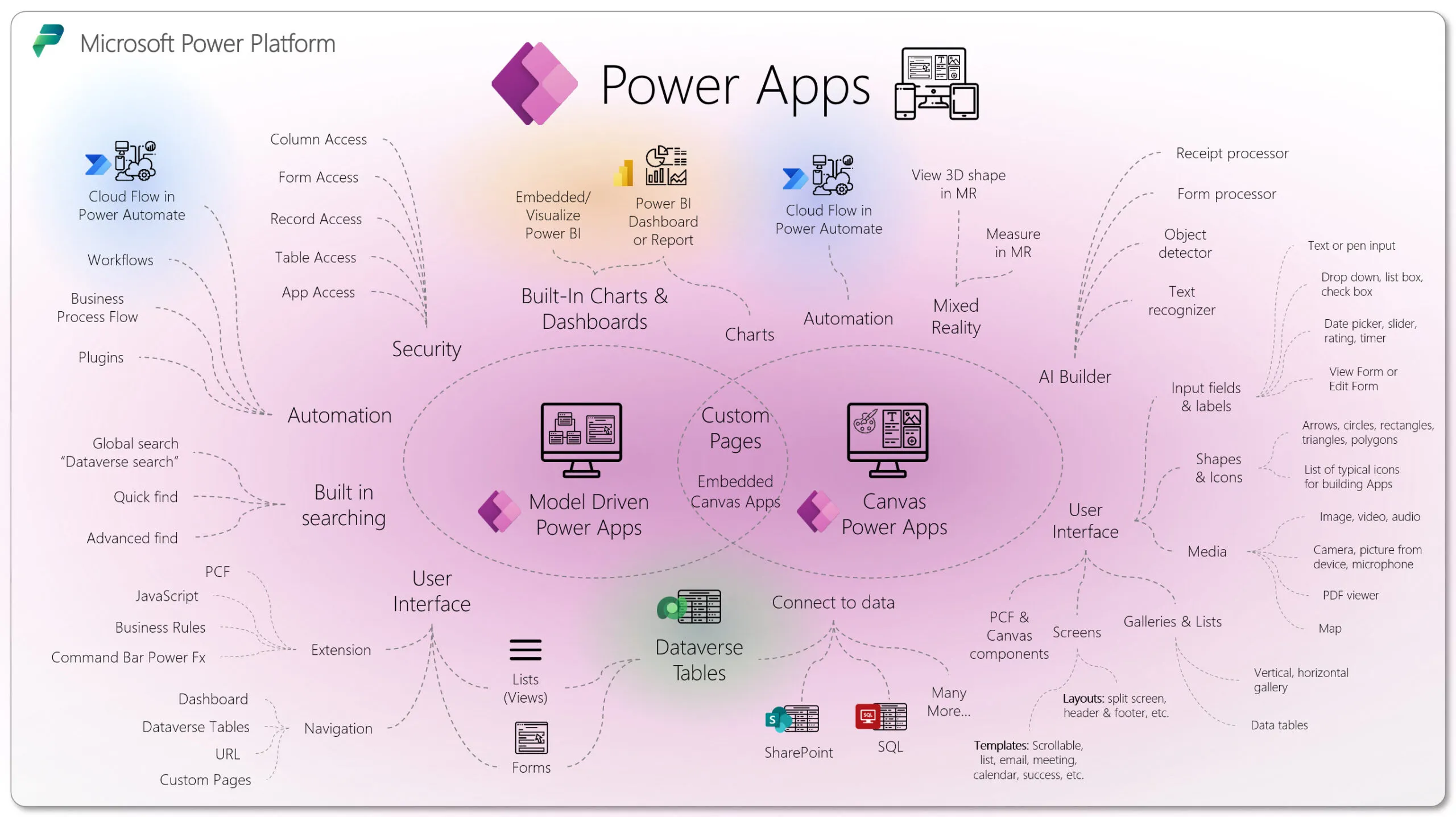
Power App Syllabus
Getting Started with Power Apps
- Introduction
- Installation
- Get Started with Developer Environment
- Variables
Collections and Components
- Collections (Creating, Accessing, Manipulating, Iterating, Clearing)
- Creating Automatic Mails for Birthday and Components
- Canvas Apps
- Model-Driven Apps
- Data Sources
- Controls
Expressions and Screens
- Expressions
- Screens
- Data Integration
Dynamic Assignment and User Interactions
- Dynamic Assignment Using Formulas, Variables, Collections, Contextual Information, Controls, and Properties
- Responding to User Interactions
Testimonial Reviews
Abinaya
- I came to know about Green’s Technologies from Google and I walked in to enquire. I was satisfied with their hospitality and was very satisfied with their demo. Then I enrolled myself into Tableau Program. I have referred to my friends who had the same desire to learn the trending visualization tool .The classes were very informative and practical examples given were very relevant to the IT industry. The trainer made sure that each individual got their doubts cleared. Every nook and corner of the tool has been covered and post course support is one additional feature they are offering, which will help to clarify any doubts while in execution in our work. Thanks to the entire team, that I am a certified Tableau Developer today ,earning a decent salary with an organization of my choice.
Sudha
- I completed my Tableau course in Greens Technologies. Trainer’s name is Mr. Suhail. He is one of the finest teacher i have ever met in my life...i like the way he teaches and the best thing about him is he ensures that each and every student understands the concept thoroughly...he is very down to earth and one of a kind..He always allows students to raise their doubts and he clears the doubts with easy and practical demonstrations. thank you so much Suhail sir .Its only because of the trainer and his team that I am a certified Tableau developer in a reputed organization
Joncy
- Good environment to learn IT courses .I did my Tableau course with expert trainers who helped me to complete this course successfully and get certified. Green’s Technologies is doing their job in a Thorough way. I really gained a lot of benefits and improved my Technical knowledge and skills. Special Thanks to my Trainer Mr.Suriya sir who taught me every nuance of Tableau and helped me to be a Tableau Developer with accredited certification. Now I am looking forward to learn Data Science program with Green’s Technologies.
Sanjay kumar
- Heard about Green’s Technologies’ Tableau training from google reviews. From the day 1 training session begins, and the trainer has a lot of knowledge about the tool.Practical sessions are worked out at the end of training session. “Suriya sir would move to the next topic only if I understood thoroughly. It was worth. I was able to contact the trainer anytime to clear my doubts. It was good to have a career guidance and placement assistance.I could complete my certification only because of the team and happy to share that I got a Job as a Tableau developer in an MNC. Thankful ever.
Limited Time Offer